Animation & Characters
Animated Explainer Videos for Technical and Industrial Products
Some products are hard to film. They are too big, too small, sealed inside a casing or only exist as CAD. 3D animated explainers show what is happening inside — and do it in a few minutes.
By The Imagine Studio · · 7 min read
Key takeaways
- Animation can show what cameras cannot: internal flow, cross-sections, invisible processes.
- Start with one clear message and one audience; the script carries the video.
- Build modular scenes so one project yields a full film, short clips and trade-show loops.
- Plan for subtitles and multiple languages from the start.
Why animation beats live footage for technical products
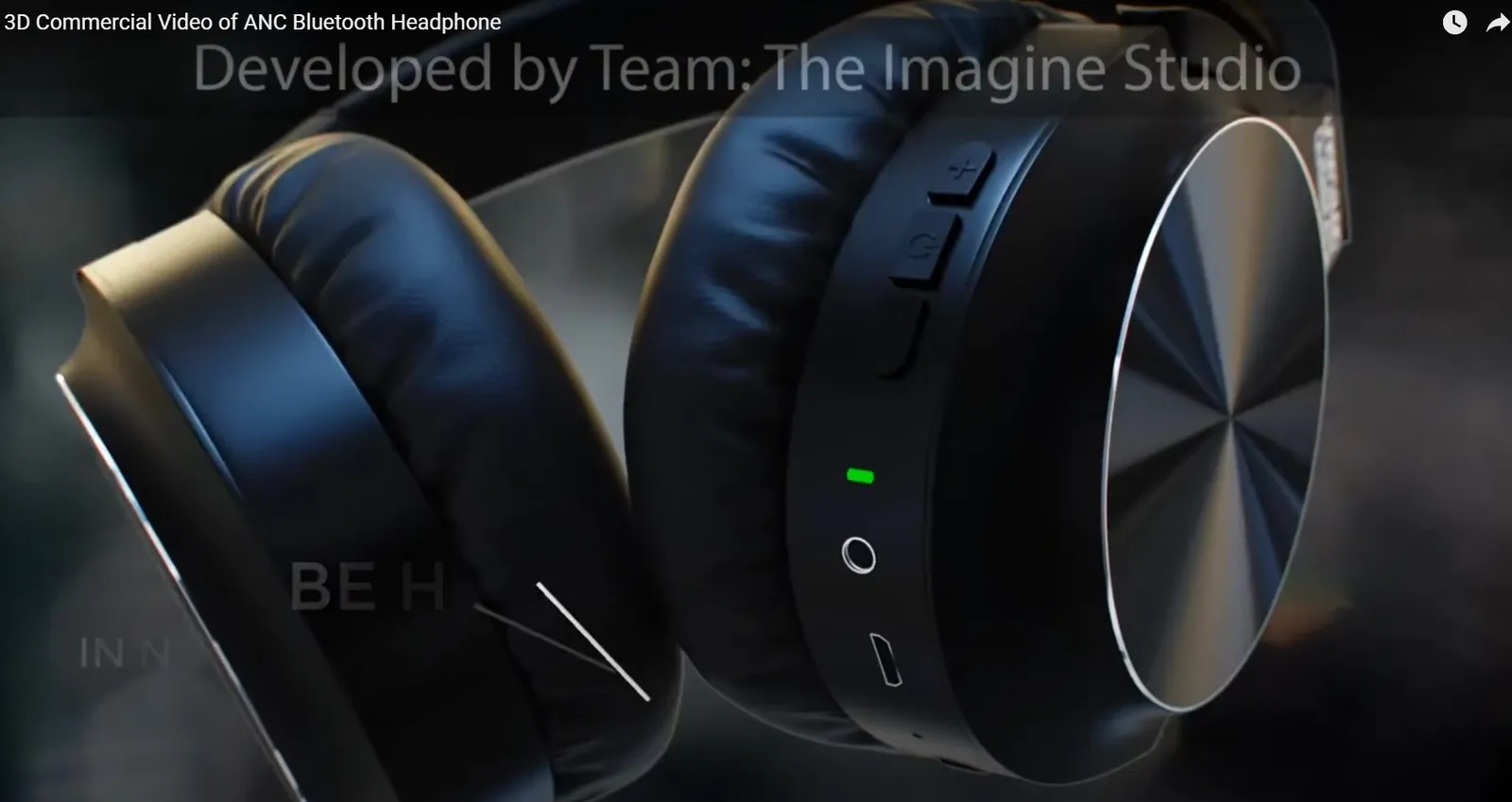
Live footage shows the outside of a machine. Animation can make the casing transparent, slow time down, follow a fluid through a pipe or label every component as it moves. For HVAC systems, process equipment, medical devices and consumer electronics, that clarity is the whole point.
Our 3D animation showcase includes cooling systems, condensers and industrial freezers explained this way.
The production process
- Script — what the viewer must understand by the end, in plain language.
- Storyboard — every shot sketched and approved before modelling begins.
- Modelling — from CAD where available, simplified for clarity.
- Animation and rendering — camera moves, cutaways, labels.
- Voice-over, music and edit — paced for the audience and platform.
Write for the viewer, not the spec sheet
Engineers know every feature; buyers care about three. Lead with the problem the product solves, show how it works in one memorable visual, then prove it with one or two specifics. Everything else belongs in the brochure.
Get more from one production
- A 2–3 minute main film for the website and sales meetings.
- 15–30 second clips for social and ads.
- Silent loops for trade-show screens.
- Still renders for brochures, pulled from the same scenes.
- Subtitled and dubbed versions for other markets.
Explainers for training too
The same assets work for onboarding, maintenance and safety training. Our e-learning videos reuse product models to show procedures step by step.
Frequently asked questions
How long should a technical explainer video be?
Most work best at 60–180 seconds. Longer training videos are better split into short chapters.
Can you animate from our CAD files?
Yes. CAD files speed up modelling and keep the animation accurate. They are usually simplified for smooth rendering.
How long does a 3D explainer take to produce?
Typically several weeks, depending on length, complexity and review rounds. The storyboard stage is where most decisions are made.
Can the video be made in several languages?
Yes. Planning for it early — avoiding text baked into the animation — makes subtitling and dubbing simple.